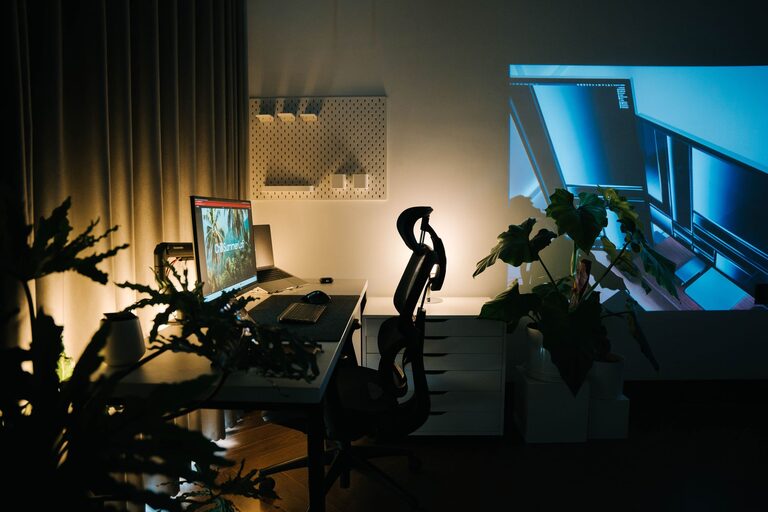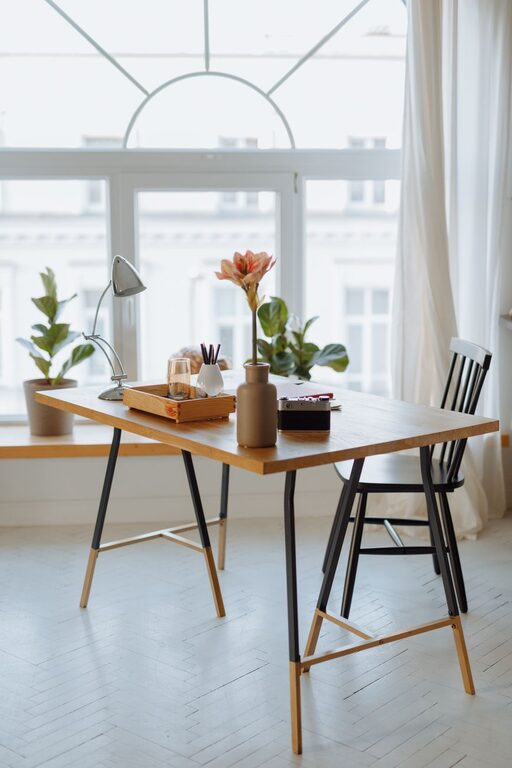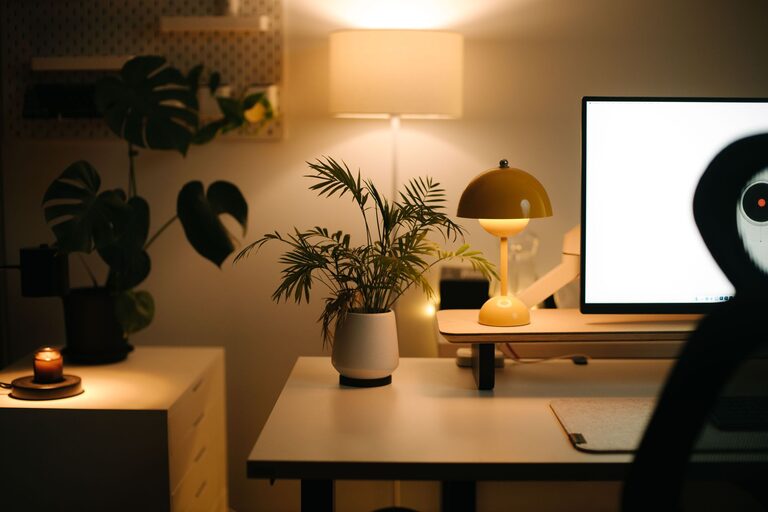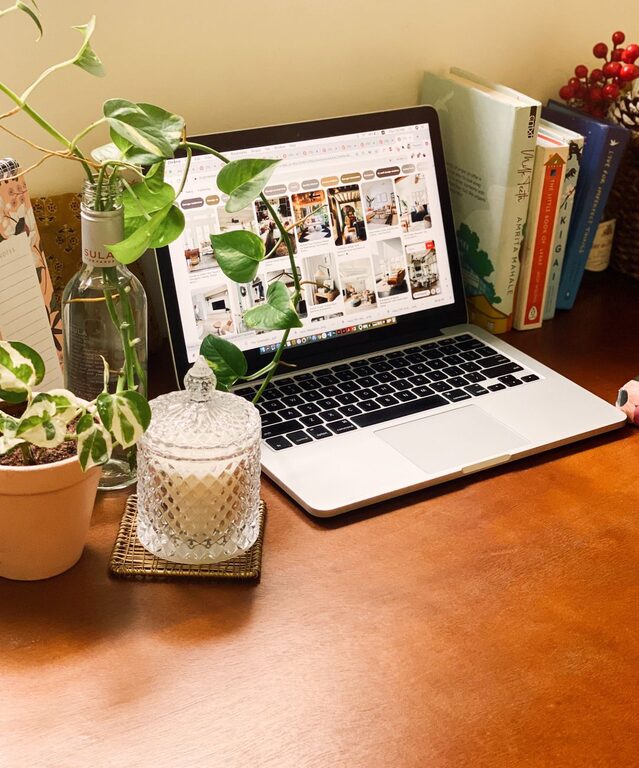
Creating a home office that is both comfortable and productive is essential for anyone working from home. A well-designed workspace can improve focus, reduce stress, and make your workday more enjoyable. Whether you have a dedicated room or a small corner, there are many ways to optimize your home office to fit your needs.
Choose the Right Location
Find a Quiet Spot
Select a space away from household noise and distractions. A quieter area helps you concentrate better and maintain productivity throughout the day.
Consider Natural Light
Position your desk near a window if possible. Natural light boosts mood and energy levels. Make sure to arrange your workspace so glare doesn’t affect your computer screen.
Invest in Ergonomic Furniture
Comfortable Chair
Choose a chair that supports good posture. Look for adjustable height, lumbar support, and cushioned seating to avoid back pain.
Functional Desk
Your desk should be at a comfortable height and offer enough space for your computer, documents, and other office essentials. Standing desks are also a great option to alternate between sitting and standing.
Organize for Efficiency
Declutter Your Desk
Keep your workspace tidy by only having essential items on your desk. Use organizers or trays to store stationery, cables, and paperwork.
Use Storage Solutions
Shelves, filing cabinets, or drawers can keep your office supplies and documents organized and out of sight when not in use.
Optimize Technology Setup
Reliable Internet Connection
A strong Wi-Fi signal is crucial for video calls, downloading files, and web research. Consider upgrading your router or using a wired connection if needed.
Quality Equipment
Use a good-quality monitor, keyboard, and mouse to reduce eye strain and improve comfort. A headset or external microphone can also enhance audio quality during virtual meetings.
Personalize Your Space
Add Plants
Indoor plants can improve air quality and bring a touch of nature indoors. They also create a calming environment, which supports concentration.
Decorate Thoughtfully
Incorporate artwork, photos, or colors that inspire you but avoid overly distracting decorations. Choose calming tones to promote focus.
Manage Lighting Effectively
Layer Your Lighting
Combine natural light with task lighting such as desk lamps. Adjustable lighting helps reduce eye strain and keeps your workspace bright during darker hours.
Avoid Harsh Overhead Lights
Bright fluorescent lights can be tiring. Opt for softer, warm-toned bulbs where possible.
Set Boundaries and Routines
Define Work Hours
Establish clear start and finish times to separate work from personal life. Communicate these boundaries to household members to minimize interruptions.
Take Breaks
Step away from your desk regularly to stretch, rest your eyes, and recharge. Short breaks increase productivity and prevent burnout.
Maintain Good Air Quality and Comfort
Ventilation
Make sure your workspace has good airflow. Open windows or use fans and air purifiers to keep the air fresh.
Temperature Control
Keep your home office at a comfortable temperature. Consider portable heaters or fans if your home’s heating and cooling doesn’t reach the space well.
Conclusion
Designing a home office that combines comfort with productivity doesn’t have to be complicated. By selecting the right location, investing in ergonomic furniture, organizing efficiently, and personalizing your space, you can create an environment that supports your work and wellbeing. Remember to maintain good lighting, manage technology effectively, and set clear boundaries to enjoy a successful work-from-home experience. With these tips, your home office will become a place where you look forward to spending your workday.
About the Author