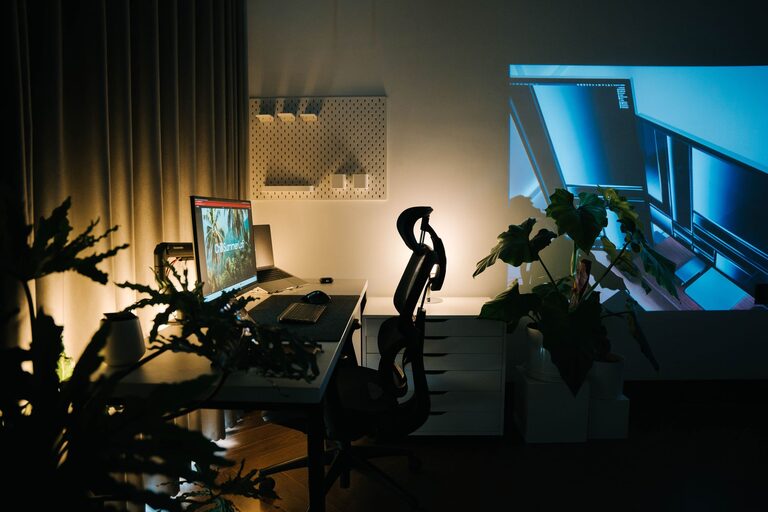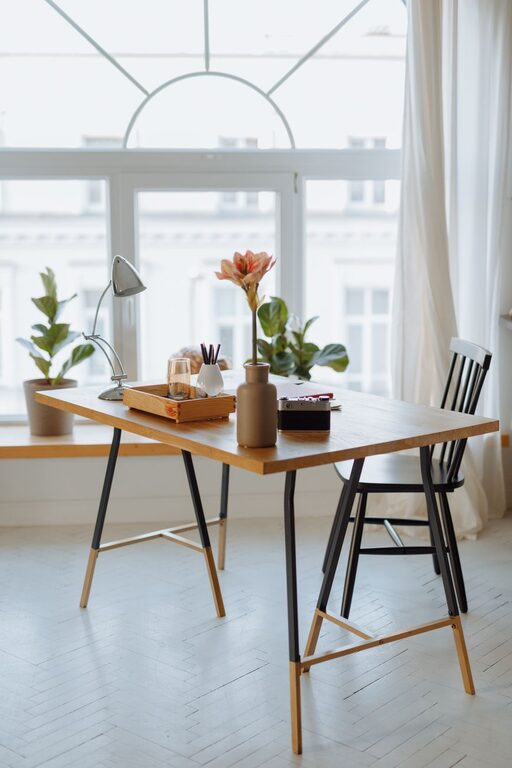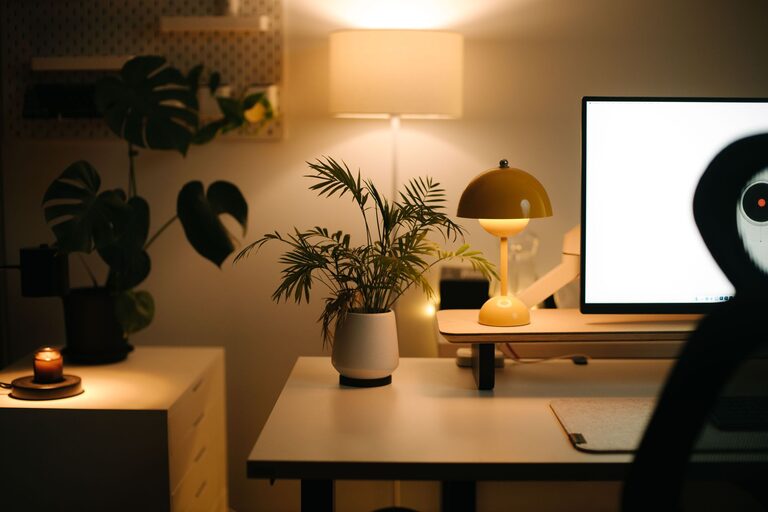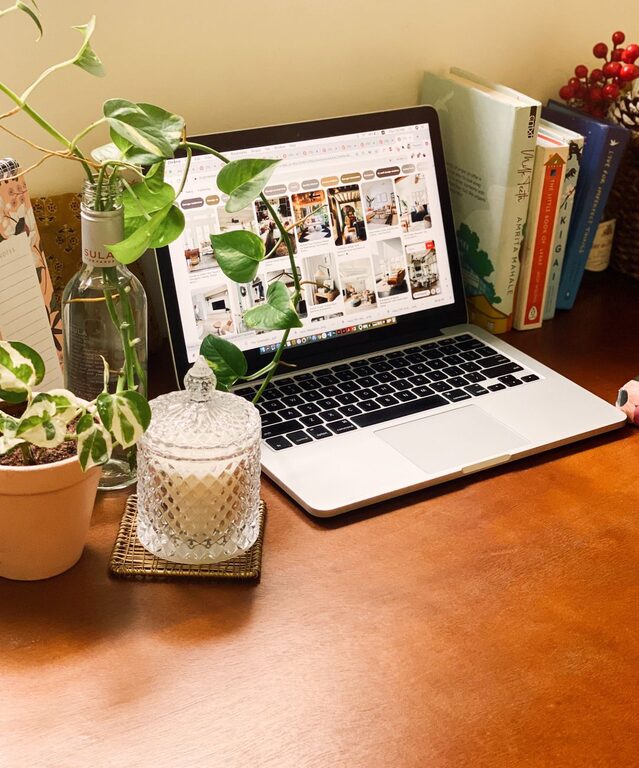
Creating a cozy and productive home office space is essential for anyone working remotely or freelancing. A well-designed workspace helps enhance focus, reduce stress, and boost overall productivity. Whether you have a dedicated room or a small corner in your home, you can create an inviting and efficient office setup. Here are practical tips to help you design a home office that feels both comfortable and inspires you to get your work done.
Choose the Right Location
Consider Natural Light
Natural light plays a big role in productivity and mood. Position your desk near a window if possible to benefit from daylight. Natural light reduces eye strain and helps regulate your body’s internal clock.
Minimize Distractions
Pick a spot away from the household noise and high traffic areas. This helps you concentrate better and separates your work zone from relaxation spaces.
Select Comfortable and Functional Furniture
Ergonomic Chair
Invest in a good ergonomic chair that supports your back and encourages good posture. Comfort is key for long hours of sitting.
Desk Options
Choose a desk that fits your space and allows you to keep your essentials within reach. Consider adjustable desks if you want the option to switch between sitting and standing.
Optimize Lighting
Layer Your Lighting
Use a combination of ambient, task, and accent lighting. A desk lamp focused on your work area reduces eye fatigue, while soft ambient lighting keeps the room inviting.
Avoid Glare
Position your computer screen perpendicular to windows or light sources to avoid glare and reflections.
Organize Efficiently
Declutter Regularly
Keep your workspace tidy by regularly removing unnecessary items. A clutter-free area boosts focus and creativity.
Use Storage Solutions
Incorporate shelves, filing cabinets, or desk organizers to store papers and supplies. Labeling storage makes items easy to find.
Personalize Without Overdoing It
Add Greenery
Houseplants improve air quality and add a touch of nature that enhances calmness and creativity.
Decorate Thoughtfully
Choose artwork or photos that inspire you without overwhelming the space. Colors like soft blues or greens create a peaceful atmosphere.
Manage Noise Levels
Use Noise-Cancelling Headphones
If your home isn’t quiet, noise-cancelling headphones can help block distractions.
Add Soundproofing
Consider rugs, curtains, and cushions that absorb sound to reduce echo and outside noise.
Set Up Technology Wisely
Reliable Internet and Equipment
Ensure you have a strong internet connection and updated computer or devices that suit your work needs.
Cable Management
Use cable organizers to keep cords neat and prevent tangling, which improves safety and aesthetics.
Prioritize Comfort and Breaks
Keep Water and Snacks Nearby
Staying hydrated and having healthy snacks accessible keeps your energy steady.
Schedule Breaks
Set reminders to take short breaks for stretching or walking. This helps reduce fatigue and maintain focus.
Maintain Good Air Quality
Ventilation
Keep your office well-ventilated by opening windows or using air purifiers to improve air circulation and freshness.
Create Boundaries
Define Your Work Hours
Establish clear start and end times for your workday to maintain work-life balance.
Signal When “On the Job”
If you share your home, use a sign or closed door to indicate when you’re working to minimize interruptions.
—
By following these tips, you can create a home office space that supports both productivity and relaxation. A cozy, organized, and well-thought-out workspace enables you to work efficiently while feeling comfortable and happy in your environment. Remember, your home office should suit your unique needs and style—don’t hesitate to experiment until you find what works best for you.
About the Author